

Guard Code is the GUARD API extension for VS Code. The agent edits project files, runs terminal commands, reads web pages and calls external tools over MCP. It works with models from every family: Claude, Kimi, GLM, Qwen, Composer, Grok and Codex. It uses the same gd-… key as any other application, from @subscribe_ai_bot.
Guard Code needs VS Code 1.101 or later.
- Open Guard Code in the VS Code Marketplace and click Install. Or, in VS Code, open the Extensions view, search for
Guard Codeand click Install. - Open Guard Code in the VS Code side bar. The Full screen button in the top right corner of the panel expands it to the whole window, as in the screenshots below.
- Paste your
gd-…key into the API key field and click Add key. The extension keeps the key in protected system storage. - No key yet? Buy one in @subscribe_ai_bot: the key arrives right after payment.
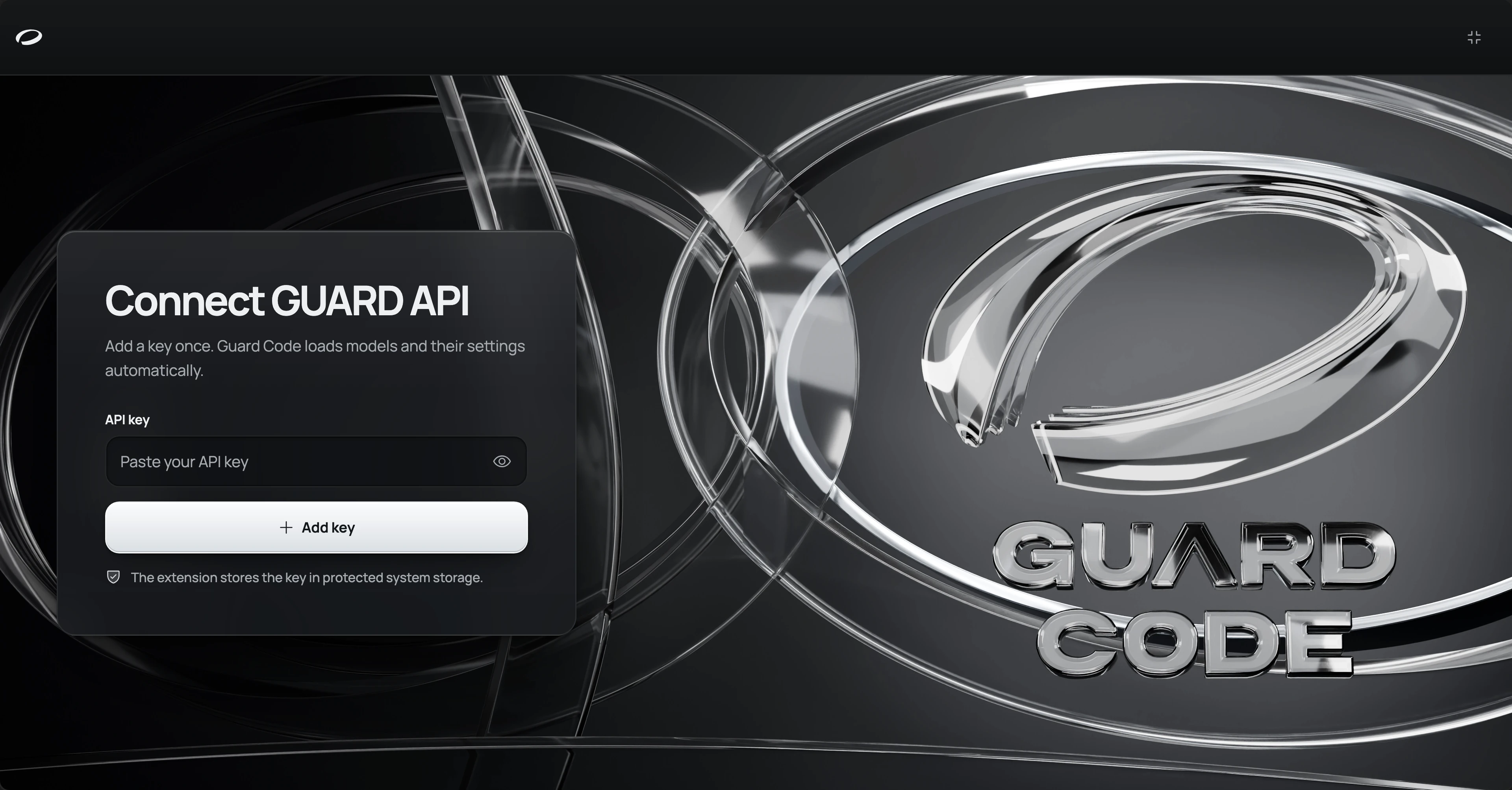
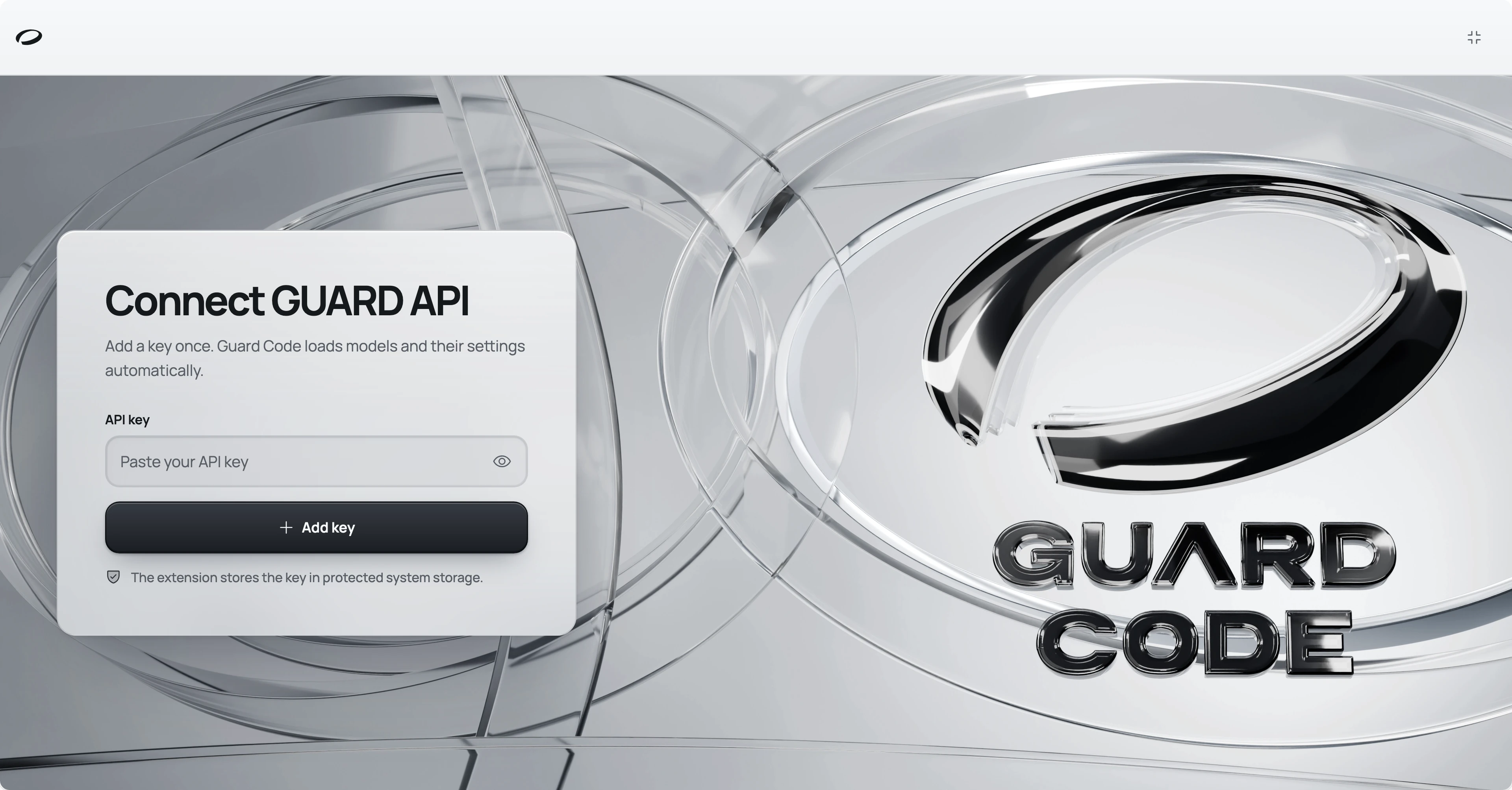
The key balance and the task cost are in the Account menu in the top right corner. It also has Top up, Buy a key and Statistics, and Manage keys lets you add several keys and switch between them.
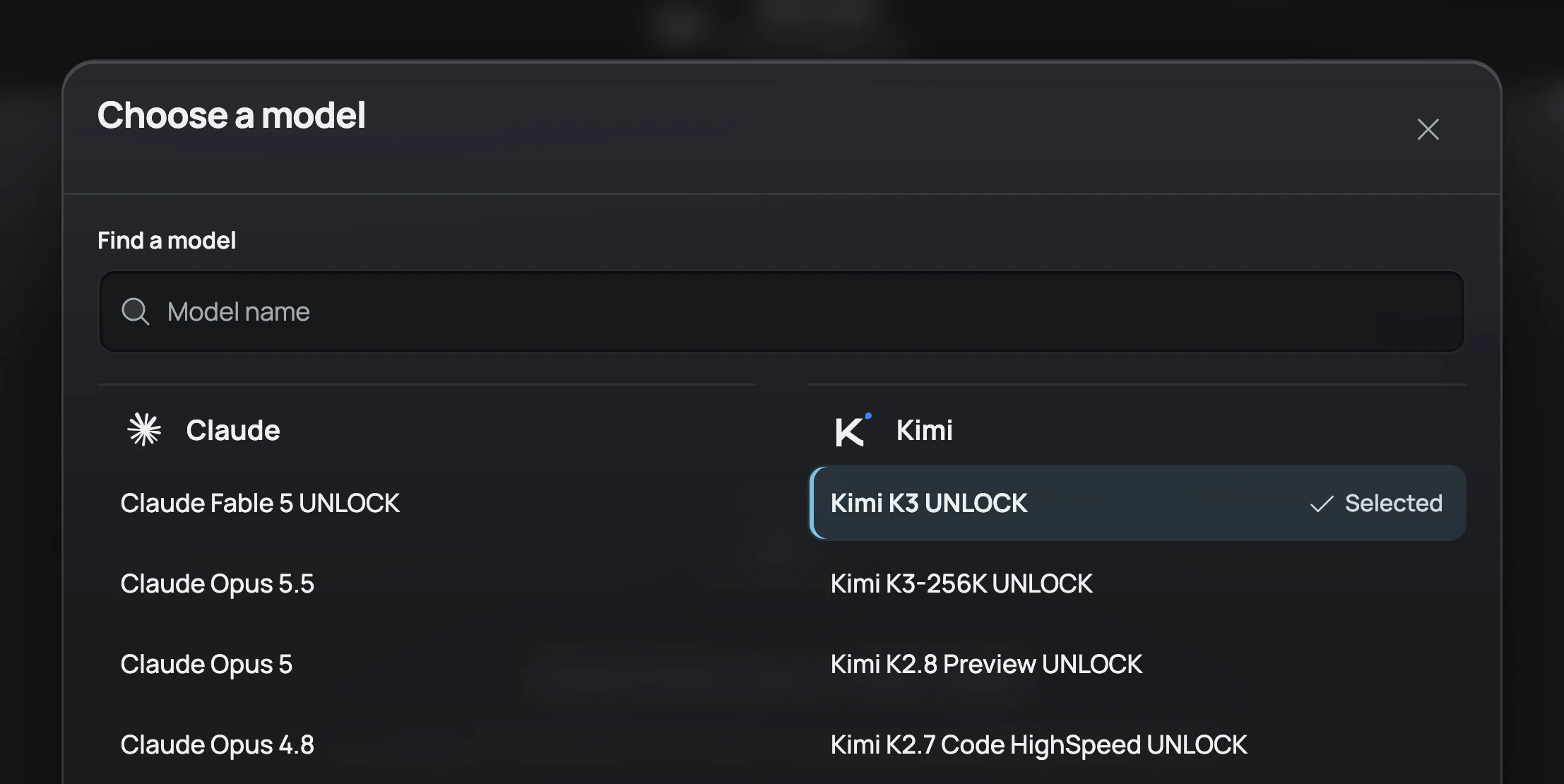
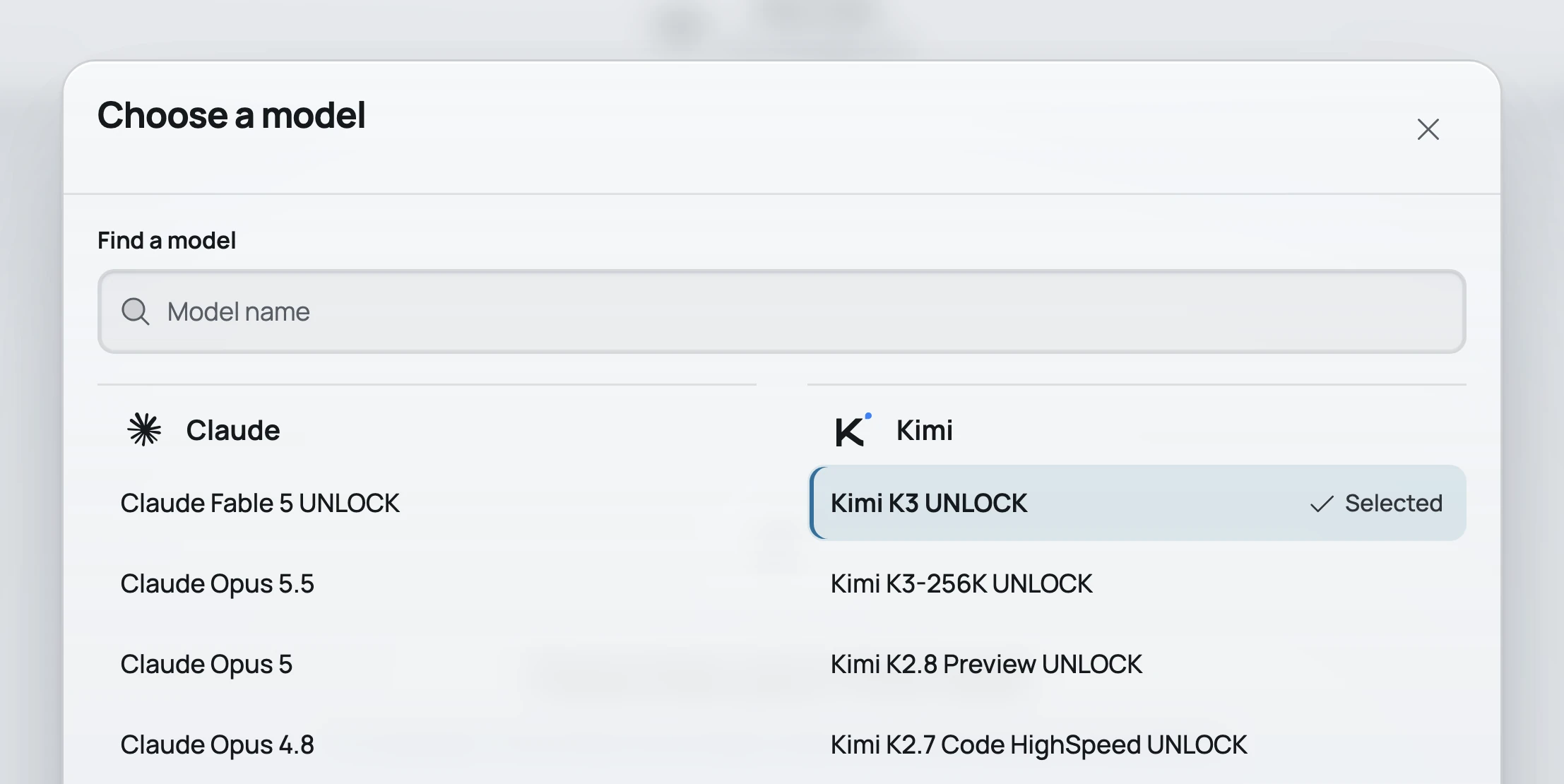
Pick a model with the button showing its name under the task field. The Choose a model window groups models by family and has a search by name.
When a server prompt is on for the key, the models it works on are marked UNLOCK and come first in their family. The other models answer without the prompt.
By default the agent reads and edits project files on its own and searches the web when the model supports it. It asks for permission before it:
- works with files outside the project;
- reads web pages;
- calls external tools;
- runs terminal commands.
In the settings, in the Agent section, you can allow or deny all of this in advance, except files outside the project, and turn web search off. In Plan mode the agent writes a plan first and does not edit files: discuss the plan, then click Approve and start.
Requests go to https://api.guardrelay.ai and are paid from the key balance at GUARD API rates, as in any other application. Claude and GLM models can search the web by themselves, and each such search is billed separately. See Billing for details.
The extension sends its version with every request. While VS Code telemetry is on, which is the default, it also sends the editor name and version, the OS and the UI language, and reports errors with the error code and the part of the extension where it happened. Reports go with your key and contain no prompts, model responses, source code, paths or names.
Besides requests to GUARD API, the agent reads web pages and calls external tools with your permission. At startup the extension connects to the MCP servers in your settings, and it opens a page address mentioned with @ by itself, downloading Chromium the first time if needed.
| What you see | What to do |
|---|---|
A message that this Guard Code version is no longer supported (guard_code_update_required) | Update Guard Code in the Extensions view. |
| The key is not accepted | Check that the whole gd-… key is pasted and that it is not revoked. Your keys are in the bot under My keys and in your account. |
| The balance has run out | Top up the key in @subscribe_ai_bot or with Top up in the Account menu. |
| Any other error | Write to support at @Guard_help with the error code and the request_id from the message. |